[Resolved] 'Export All' issues since recent constant contact 'upgrade'

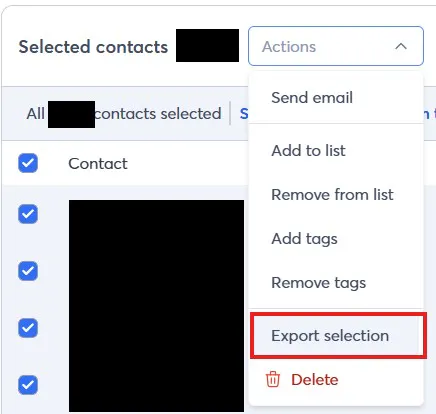
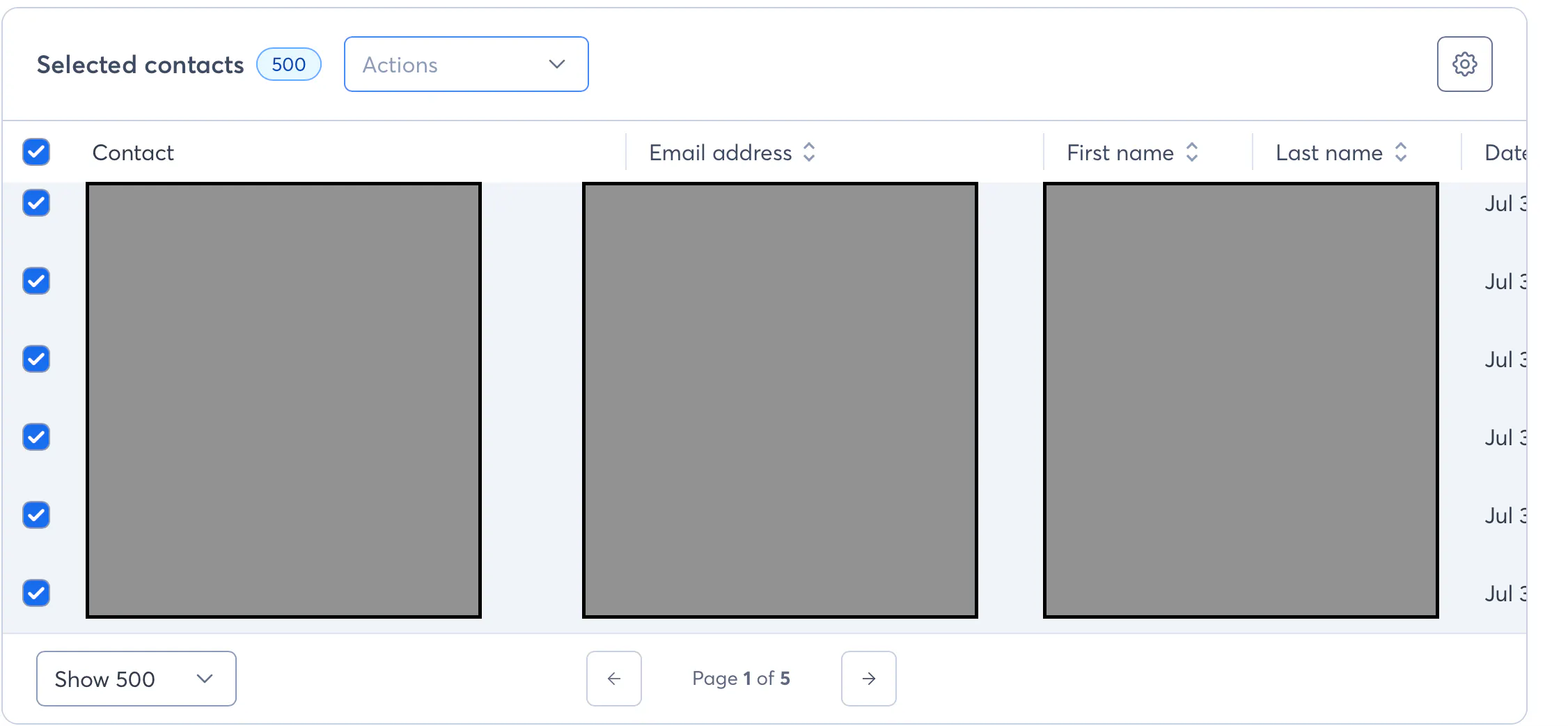
I'm no longer able to, or unable to find, a way to EXPORT ALL CONTACTS since the most recent 'upgrade'. It used to be that you would select the square at the top left of the contact list and it would select ALL contacts and you could export. Now it only selects however many you have displayed, which is a max of 500. Any thoughts?
5 replies
Best reply by William A

Hello everyone,

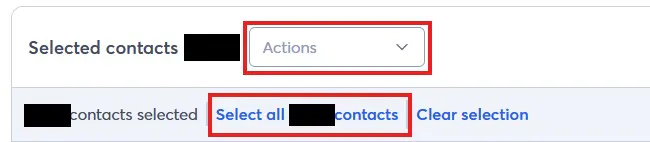
We're considering this issue resolved by now, as the ability to select-all has been re-added following fixes by the devs in the new experience. When you go to click the top-most checkmark box, you now have the options to select all contacts on that page, or all contacts in the list / segment / Contacts page.

View original
Webinar

Is your small business or nonprofit losing time and engagement to outdated or confusing social media advice? April 23, 2026 2:00 pm ET

Popular Posts:

The world's largest virtual email marketing conference. November 12-13th.