
How can I add social media icons to the footer of all our campaigns?
How can I add social media icons to the footer of all our campaigns?
3 replies
Best reply by Chris S
Hi SarahB423,
To add a Social Follow block:
If the template you are using does not have a social block, you can add the Social Follow block to your email by dragging and dropping or clicking and sticking. Refer to the guidelines to determine the appropriate location.
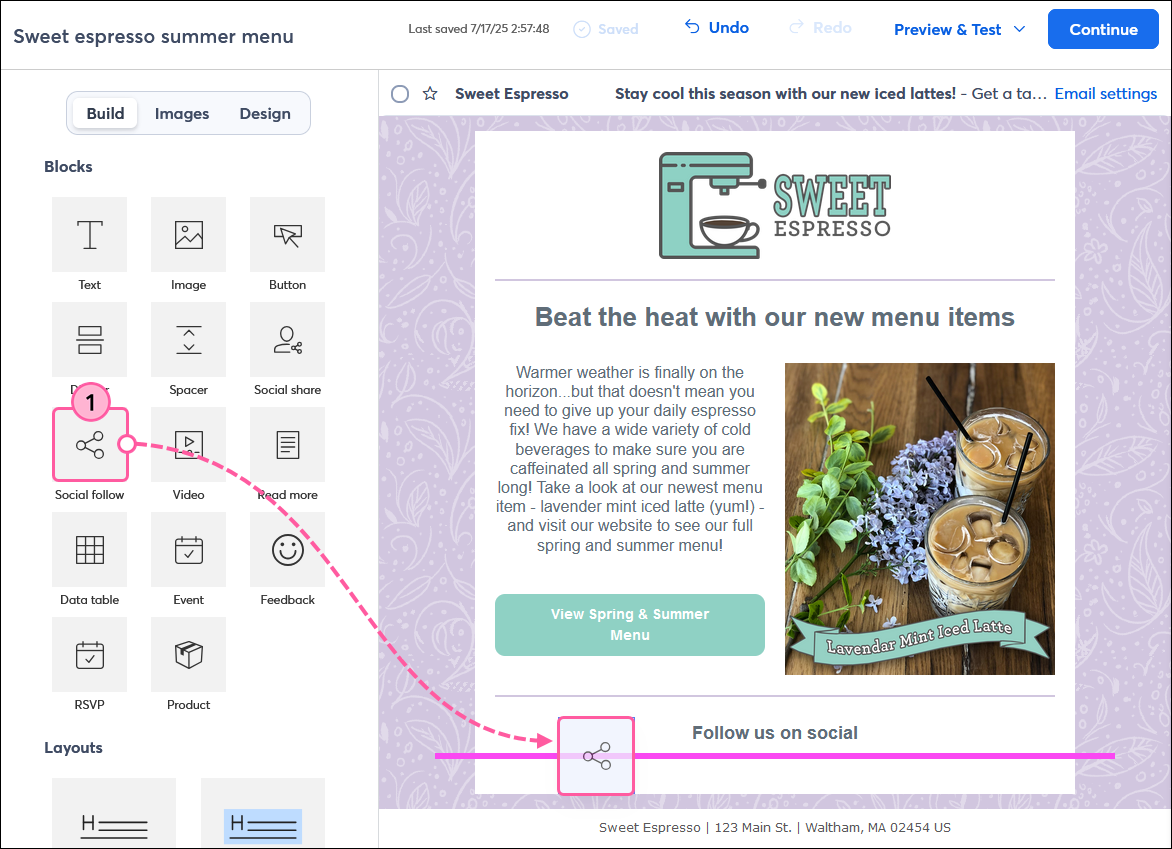
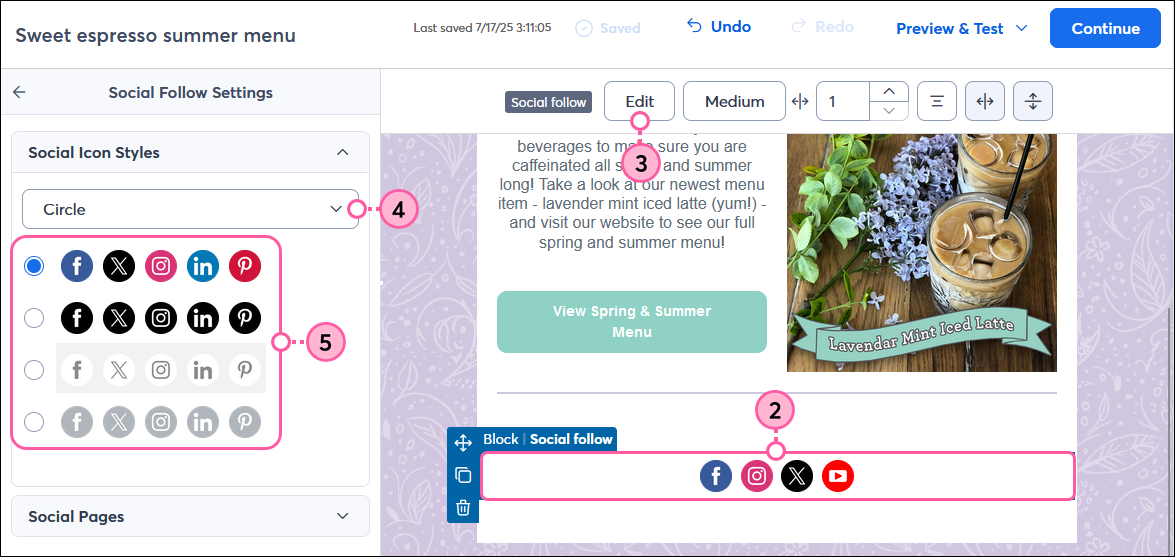
Click on the Social Follow block.
Click Edit from the toolbar.
In the Social Icon Styles section, use the drop-down to choose a shape for the social icons.
Select a style for the social icons.
Click to expand the Social Pages section.
Select the networks you wish to showcase in your email. Use the drop-down menu to switch out one of the listed networks for a different one, or click on Add Network to include more social networks in your email.
Click the X next to any network you want to remove.
Webinar
Join our free, interactive event with expert Jay Schwedelson to learn data-backed strategies for high-performing subject lines. June 25, 2026

The world's largest virtual email marketing conference. November 12-13th.
