
Hi JoyceE5,
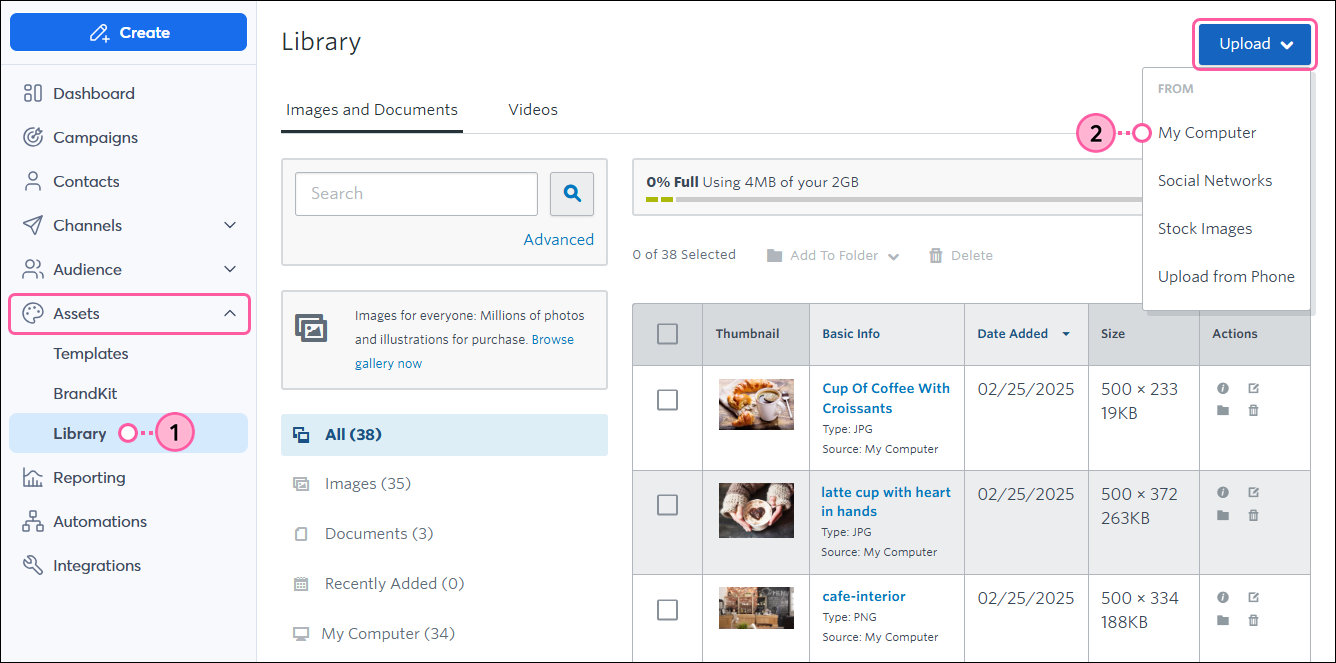
Click Assets > Library.
Click Upload > My Computer.
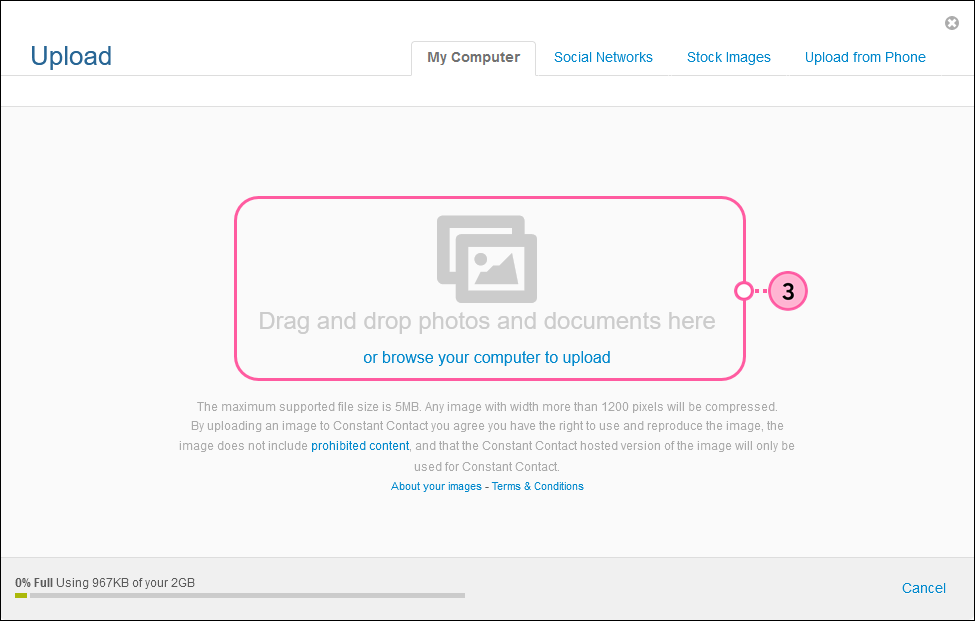
Drag and drop your document from your computer, or click "or browse your computer to upload."
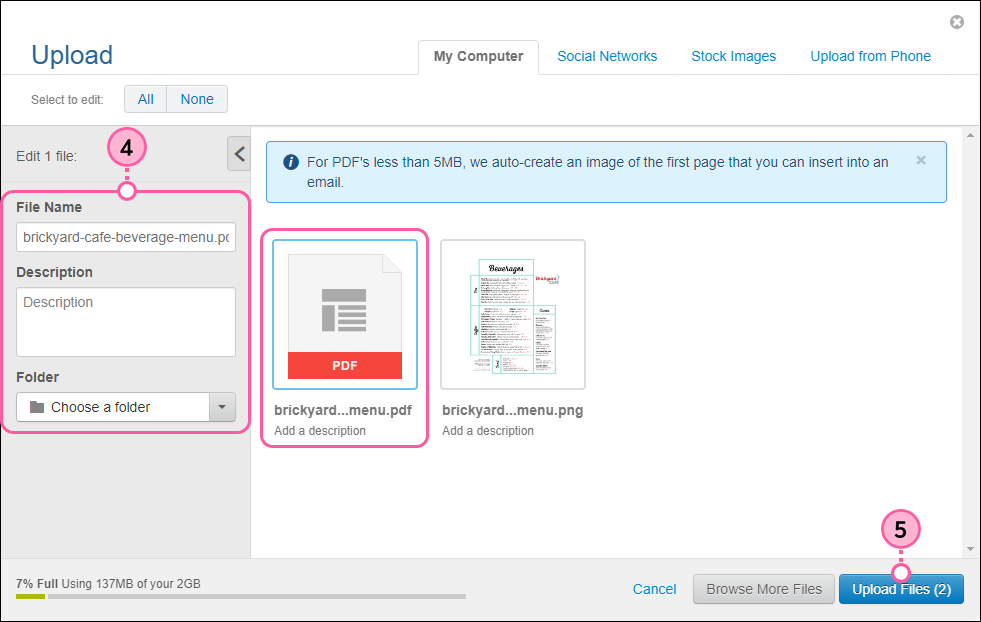
(Optional) Click on the document to edit the file name, add a brief description, or add the document to a Library folder.
When finished, click Upload Files.
Click Done to return to your Library.
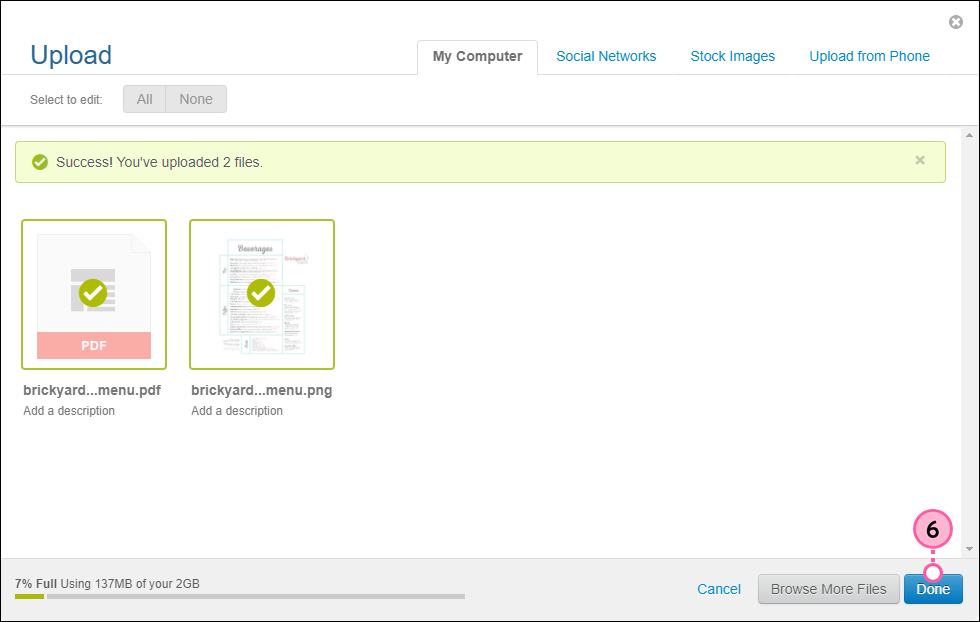
Now you can insert a link to your document in a campaign or turn a thumbnail image of your document into a clickable link.
You can learn more about adding documents in our KB page here.

