
Hi -- How do you set up MFA when you have multiple users? We do not want to have just one person getting the code and have to send it to the user trying to log in.
MFA Multiple users
1
1 reply
Best reply by Chris S
HI FirstNameL74634,
By adding each person as individual users in your account, they're able to have their own login information and MFA factors set up with their own devices, separate from yours as the Account Owner.
When adding new users via Account Settings > Users, they will be prompted to configure their own MFA. Users can choose from SMS (text message) or authenticator apps like Google Authenticator or Okta Verify.
To add a new user to your account:
Click the profile name in the upper right and select Settings.
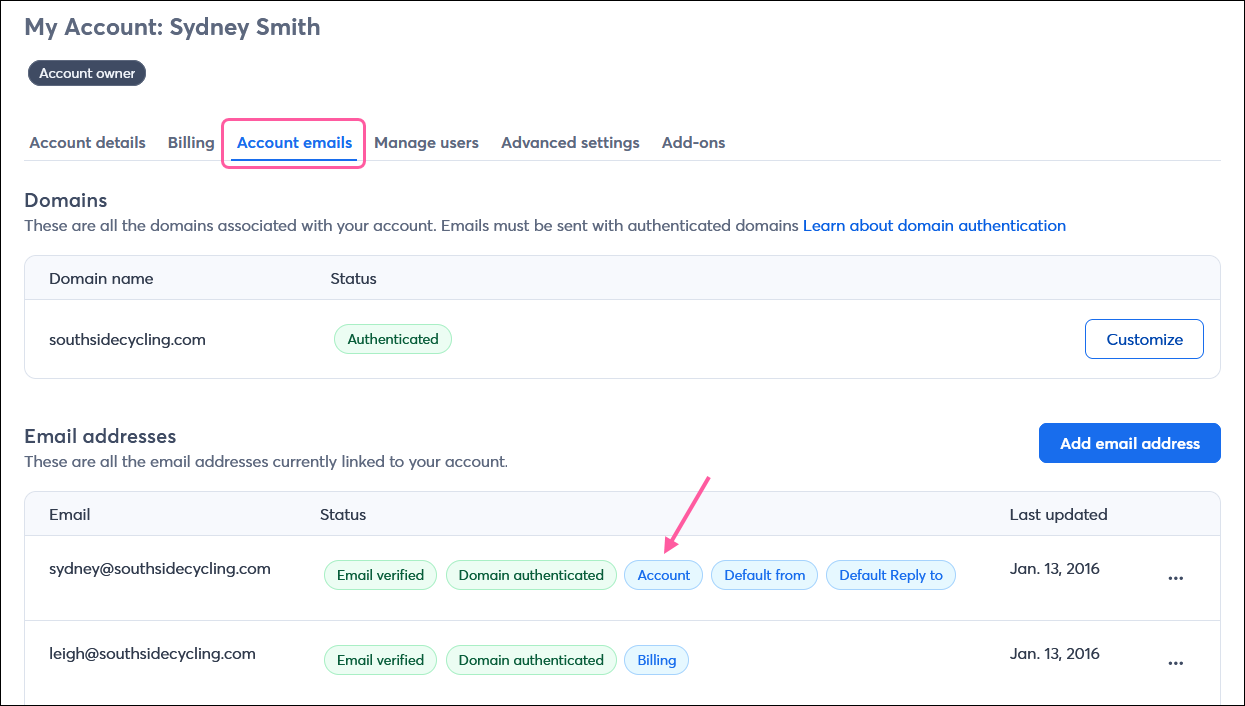
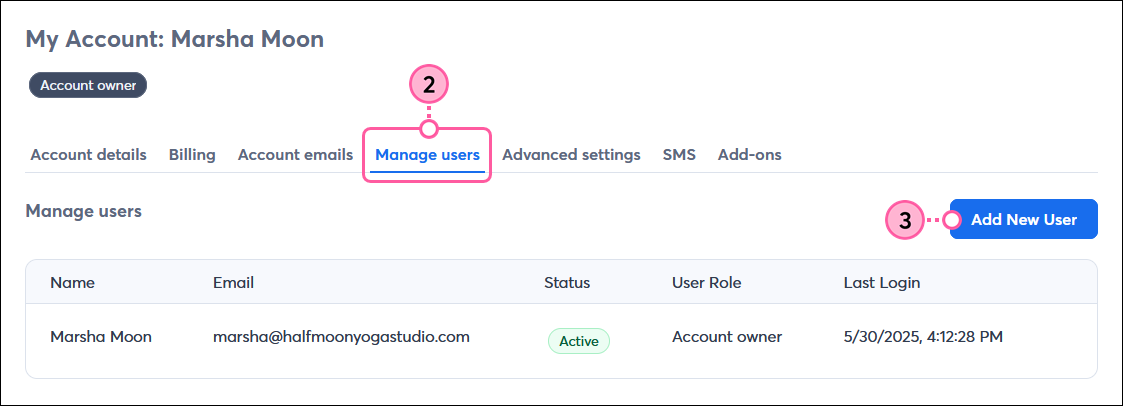
Click the Manage users tab.
Click Add New User.
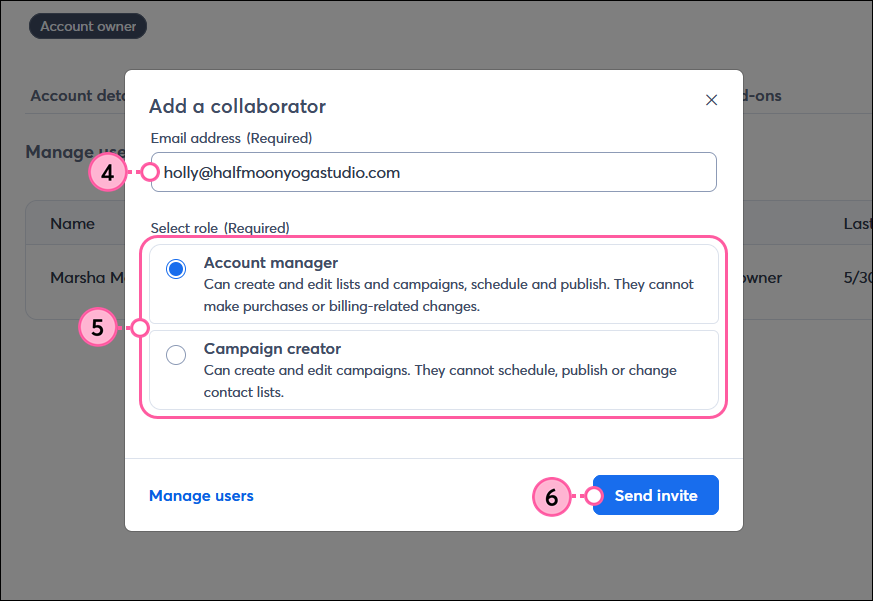
Enter the new user’s email address in the field. Make sure there are no spaces or unsupported characters before or after the email address.
Select if you want the new user to be an Account Manager or Campaign Creator.
Click Send invite.
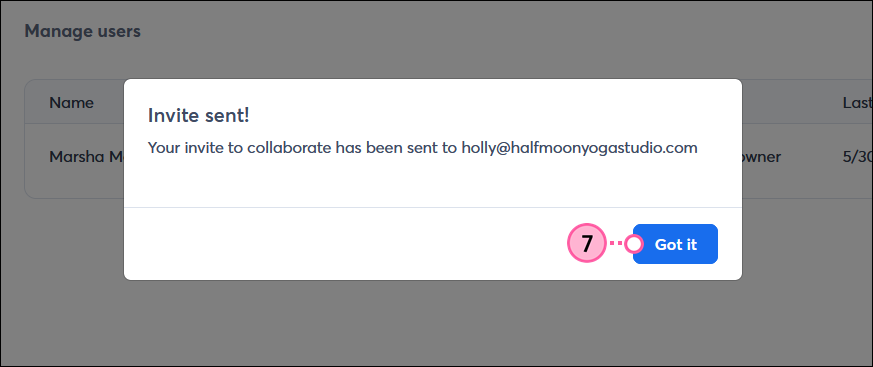
An email will be sent to the email address you entered. Click Got it.
When the new user logs in, they'll be prompted to set up Multi-Factor Authentication (MFA) and choose the secondary factor they want to use to verify their identity when logging into the account.
Webinar
Is your small business or nonprofit losing time and engagement to outdated or confusing social media advice? April 23, 2026 2:00 pm ET

Popular Posts:
The world's largest virtual email marketing conference. November 12-13th.
