
Is there a way to see the image size and to resize it inside Constant Contact? My image is 2200x2202 pixels and 2.2 MB and I am getting this error message.
"Please edit your link preview image's dimensions to be greater than 300x300 pixels."
1
1 reply
Best reply by Chris S
You absolutely can resize images within our platform using the image editing tools! This will help you adjust that 2200x2202 pixel image down to a more manageable size that avoids potential display issues and likely resolves your "greater than 300x300" error.
To adjust the size of the image within the email editor (and save the new version):
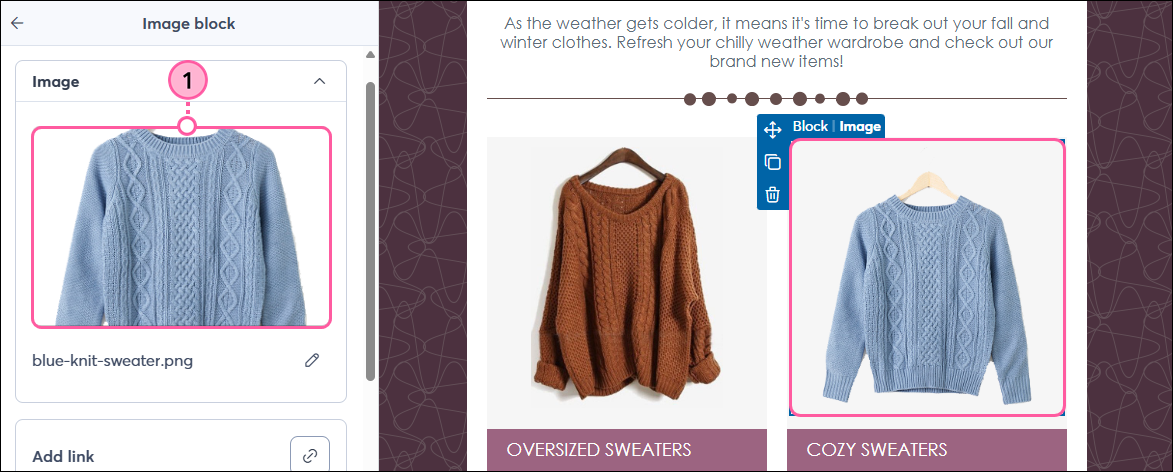
1. Click on the image to open the toolbar, then click Replace.
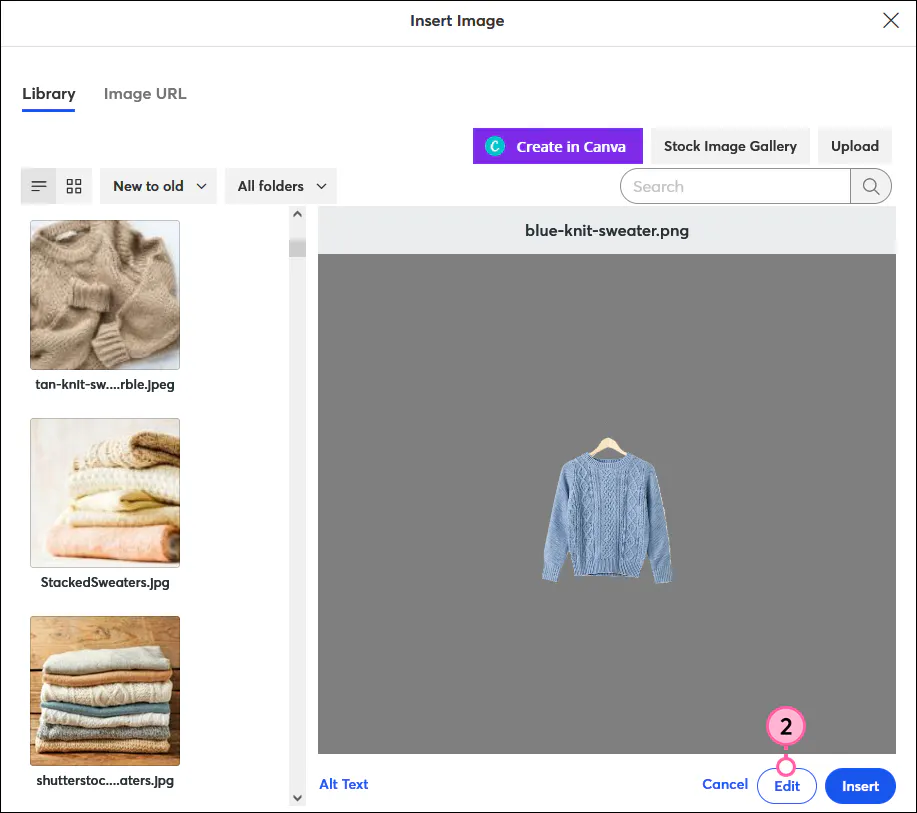
2. Click Edit to access the image editing tools.
3. Click the Transform icon (which allows cropping, rotating, or flipping).
4. To maintain proportions, check the "Lock Resolution" box.
5. Change the width and height to your desired dimensions
6. Click Export when you are satisfied with the new size.
7. Click Insert to place the updated image in your email.
Webinar
Join our free, interactive event with expert Jay Schwedelson to learn data-backed strategies for high-performing subject lines. June 25, 2026

The world's largest virtual email marketing conference. November 12-13th.
