

Social Media is irreplaceable and it's dynamic will never be denied.
At the same time, your database that you can send Emails to is the heartbeat and centerpiece of your marketing efforts.
These two channels needn't be separate, in either strategy or logistics.
Some of Your Best Email Content Can Become Your Social Content
You spend effort and energy to make your email marketing great, so why should it stop there? That great content can not only be shared onto social, but it can grow your list at the same time.
Let's look at a few ways that Constant Contact makes it effortless, and even empowering, to share your email efforts into your social channels.
After sending any email, you can click the three dots to the right side of the screen to open a menu of many options.
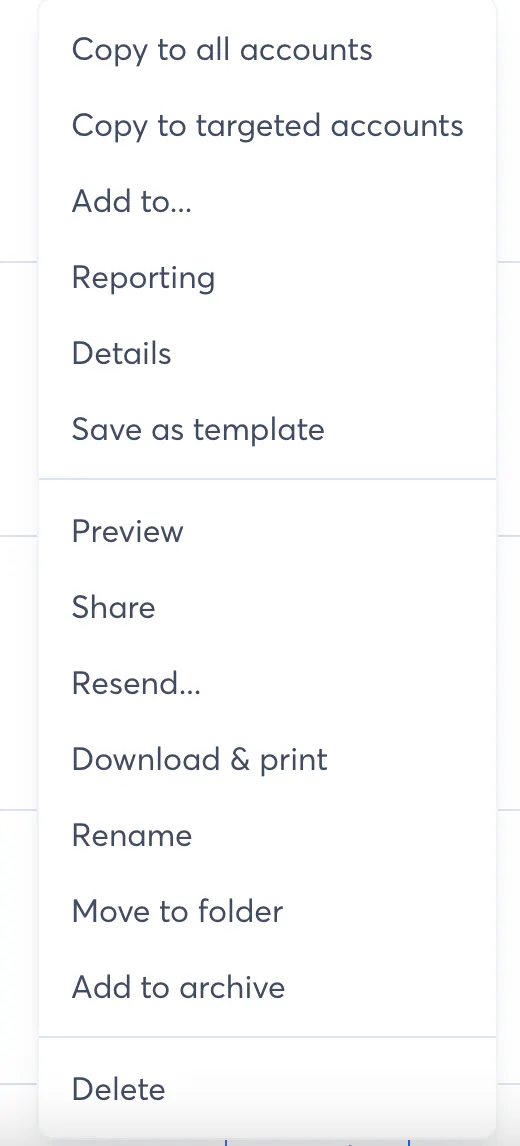
Clicking on Share will open these three options.
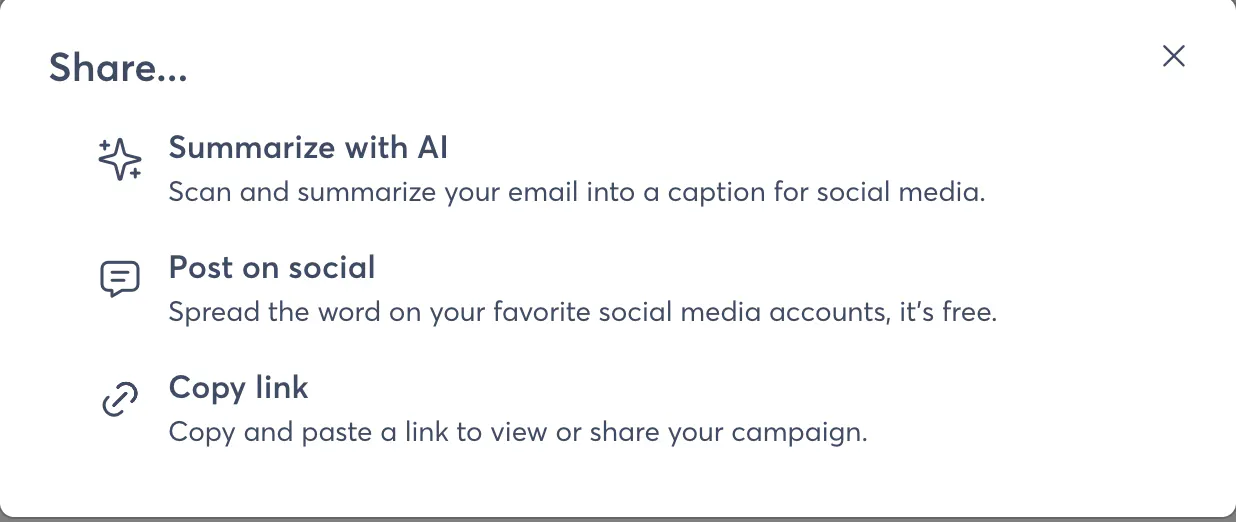
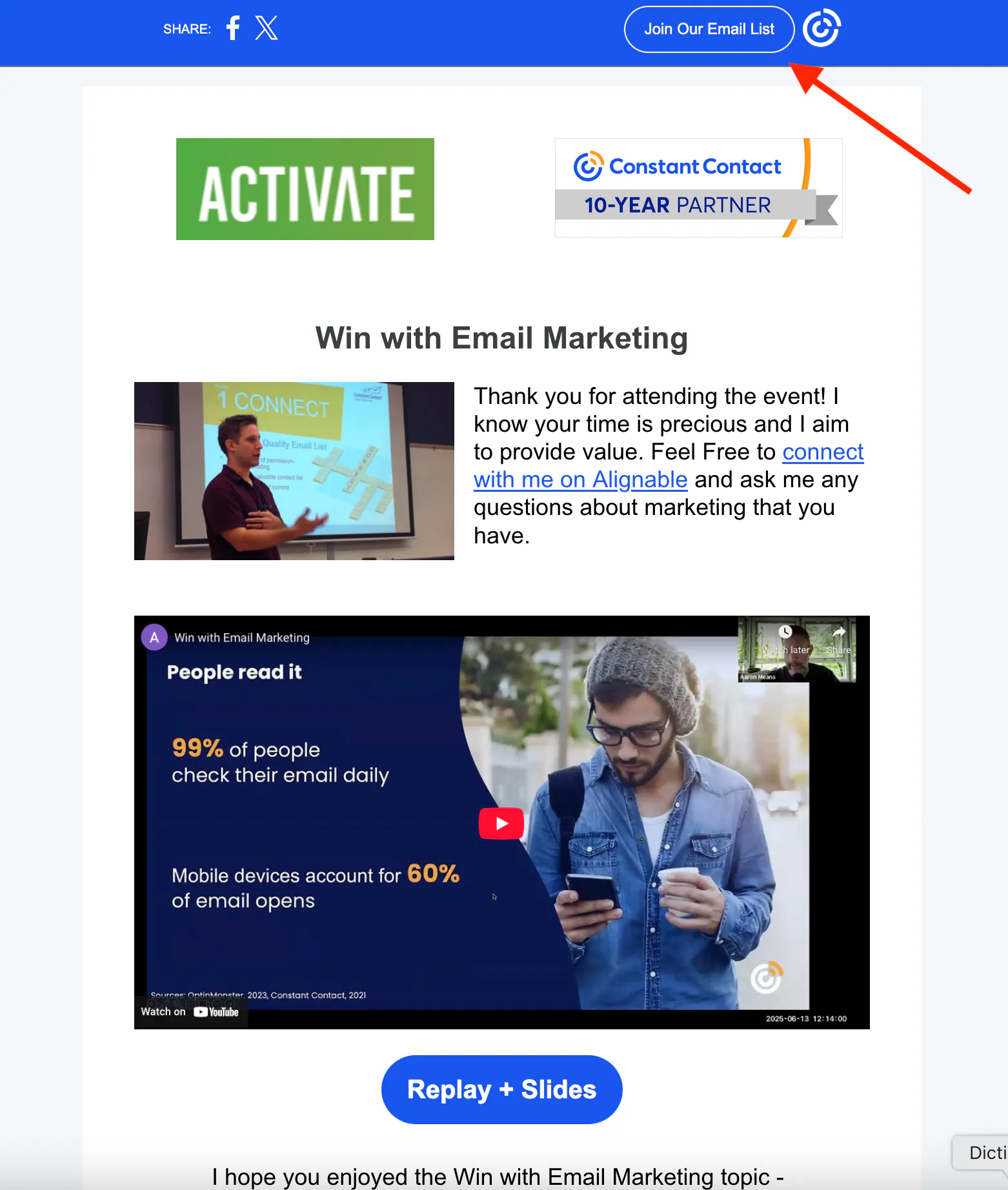
You can choose to copy the link to the email - that's right - the link to the email! Every email that is published is archived into a landing page (a one-page website) on your behalf and a short link is provided for your desired use. Even better at the top is an embedded sign up form so that anyone seeing your email anywhere online who is not already a subscriber can become one! You can use this on social, through QR codes, anywhere you'd like to extend the reach of your email.
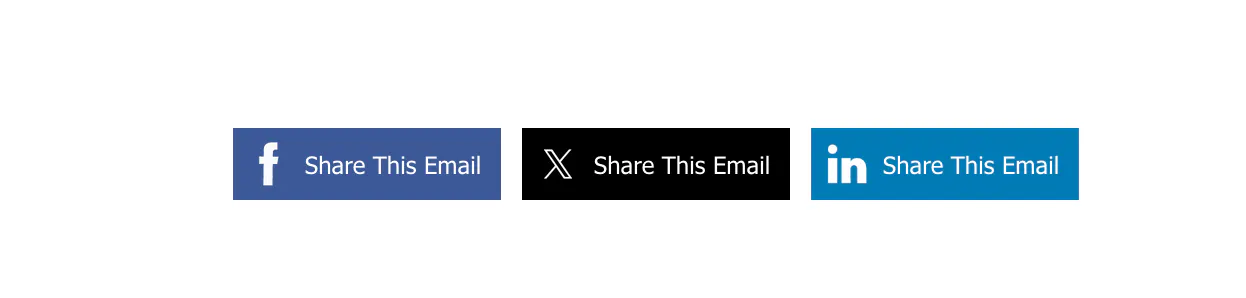
Your readers can also share your email onto their social. All you need to do is make sure you have these buttons in the email, available right on the sidebar of the builder under "Social Share".
Moving onto the second option, you can publish your own email right into the Social Media post builder within Constant Contact as well by choosing the Post on Social option. This creates a starting draft of social posts with featured images and all the details, which are editable. And of course the "Write with AI" button is always near to help.
But you don't have to publish your entire email onto social if you don't want to... you guessed it, AI is here to play, too!
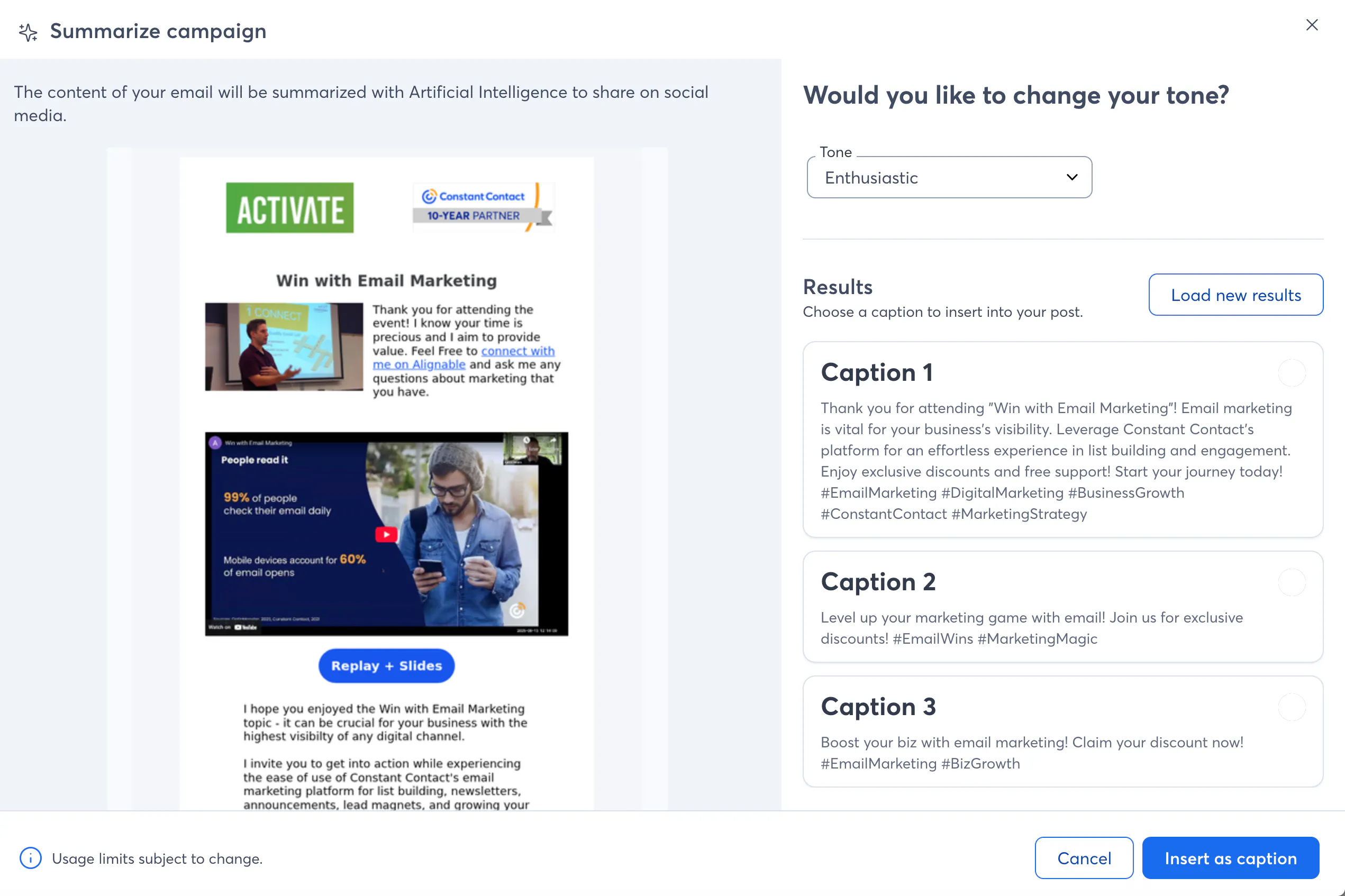
By choosing the Summarize with AI option, it will do just that: review your email content, distill it down, and draft social media posts for you.
Choose your tone (surprised I chose enthusiastic?!), and then let it draft up three caption ideas, complete with starting hashtags.
From here we can visually see the social posts for each channel set up and ready for editing, finalizing and posting.
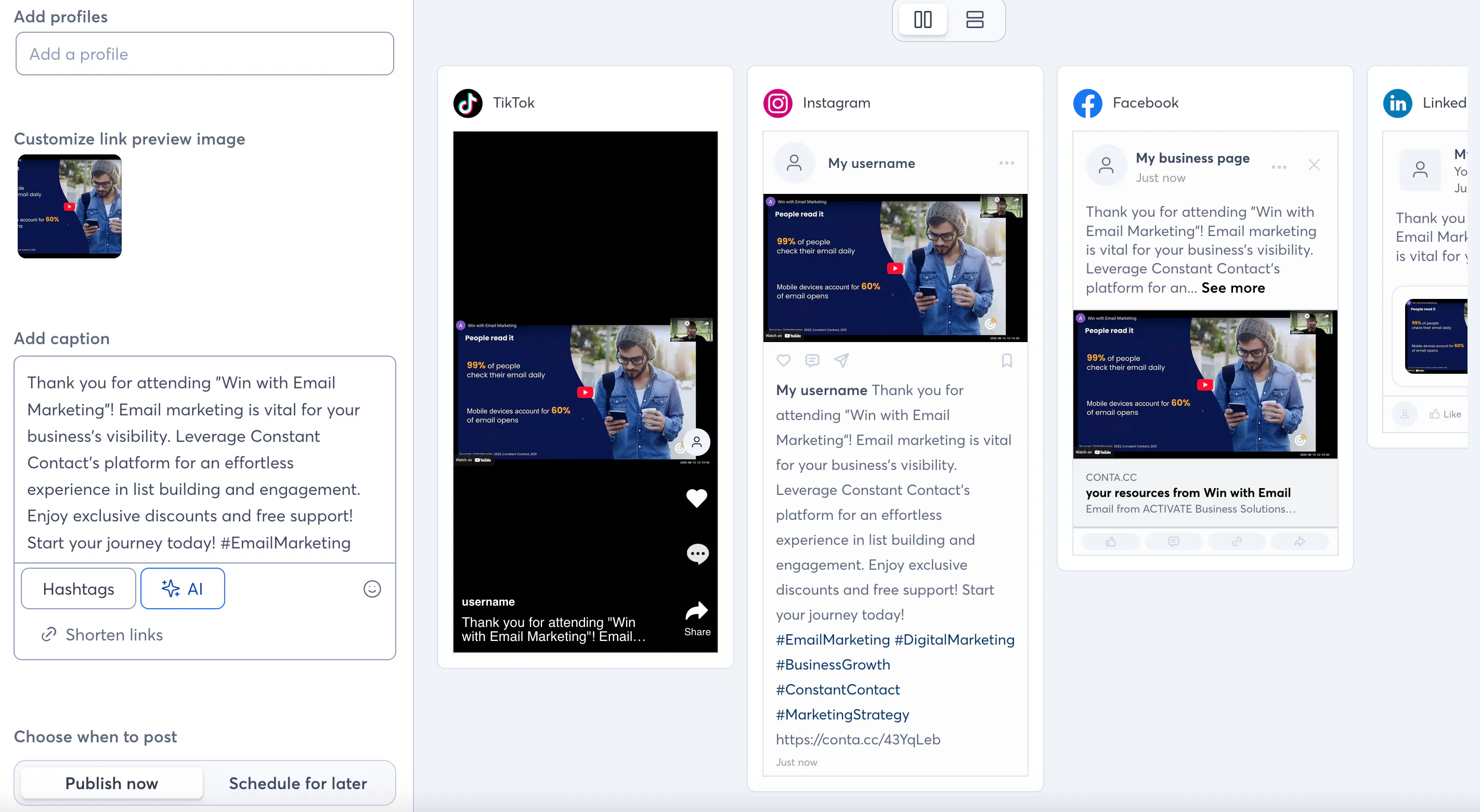
(Bonus tip: there is a now a hashtag bank in your system so you can save and access and use and reuse all your hashtag ideas without having to remember them or shuffle through digital notepads and copy and paste.)
Now we've really come full circle and "closed the loop" with Email and Social and our Social Media efforts can ride the melt of our Email Marketing content!
If there is one things I know after many years consulting with small businesses, it's that often time and energy are as big a resource as money, so here's to maximizing the results of all your efforts!
