
When composing an Event email, if you delete the “Event” block and then reinsert it in the email, the block is blank – no Event Title, Description, etc.
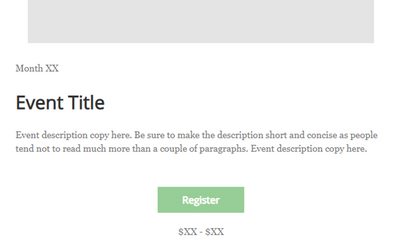
When composing an Event email, if you delete the “Event” block and then reinsert it in the email, the block is blank – no Event Title, Description, etc.
Hello @PeterT4965 ,
When the email is first generated, it will auto-pull the event's information as part of its creation. If the event block is deleted, and then a new one dragged over - similar to how it works in the email builder outside of the event - it will simply require you to select the event you wish to have associated from the side menu. Once the event is selected, it will auto-fill with the event's info.

Join our free, interactive event with expert Jay Schwedelson to learn data-backed strategies for high-performing subject lines. June 25, 2026

