
HI, Is there a way to have an image align vertically in a featured article block. It doesn't look very good when the image is at the top of the row and there is a lot of whitespace below it, and almost none above it. Thanks, L
How do I vertically align an image in a featured article block?
2 replies
Best reply by William_A
Hello @HopeandCope ,
Generally speaking, Featured Articles are to include an image, a very short summary of a webpage or caption, and then a link to a larger article. If you add too much text, you start to end up with this kind of setup:
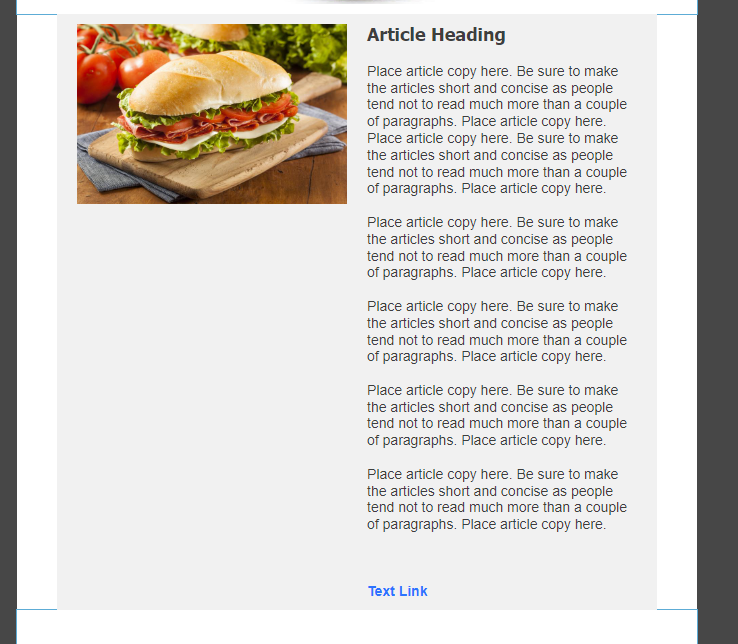
If you're wanting to have a longer description for your article setup, and adjusting the column border between the two doesn't achieve a more desirable visual, then here's a couple suggestions for how you can better format the setup.
First suggestion:
You could have just one or two paragraphs on the side. Then place a separate article block beneath, with the image removed so you still have that inner color difference. Then just add the rest of your text.
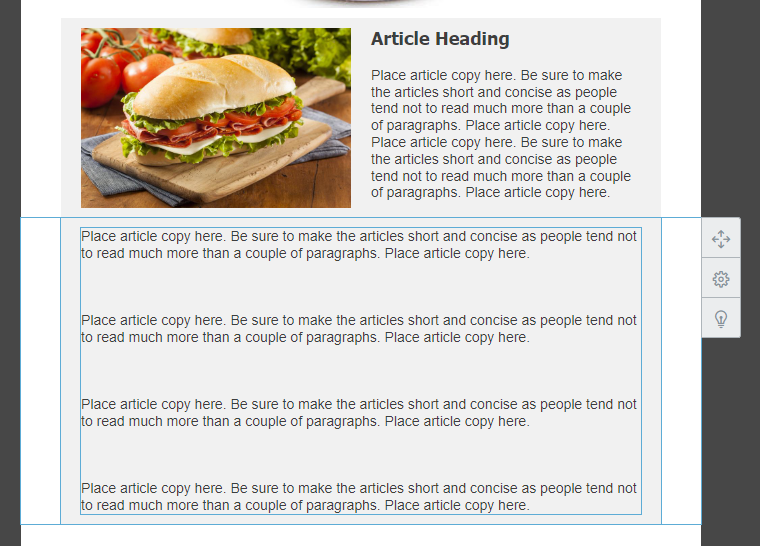
Second suggestion:
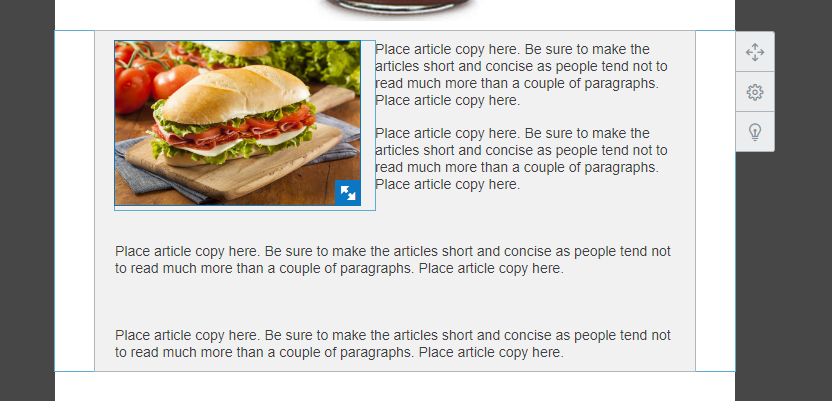
You could text-wrap your image into the body of text instead.
© Constant Contact, Inc. 1996-2026