Ā 
[Delivered] Filter and Sort After Search

The improvements to the search feature you just released are great but you took away the ability to use the drop downs (Campaigns, Status, Search Relevance and Folders) after you have your search results.

Ā 

Support told me that "this would be a great feature to add".Ā  I believe that this is a necessary function to be a complete search feature.Ā  Now I can find things with the search that I could not find before, but I cannot qualify the search, which WAS available when the search did not work correctly.Ā  This causes me to scroll down to find the newest emails that I would like to reuse.Ā  Legacy emails always seem to come up first.Ā 

Best reply by William A

Hello everyone,

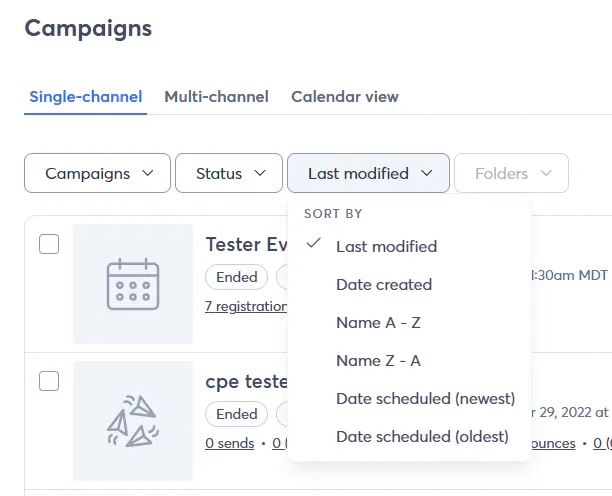
Thank you for your patience while our devs got the sorting functionality worked out in the newer UI and campaign pages. The devs have recently released A-Z and Z-A sorting, completing the improved campaign search functionality that began releasing back on April 24th. At this time, the service request associated with this thread is considered resolved.

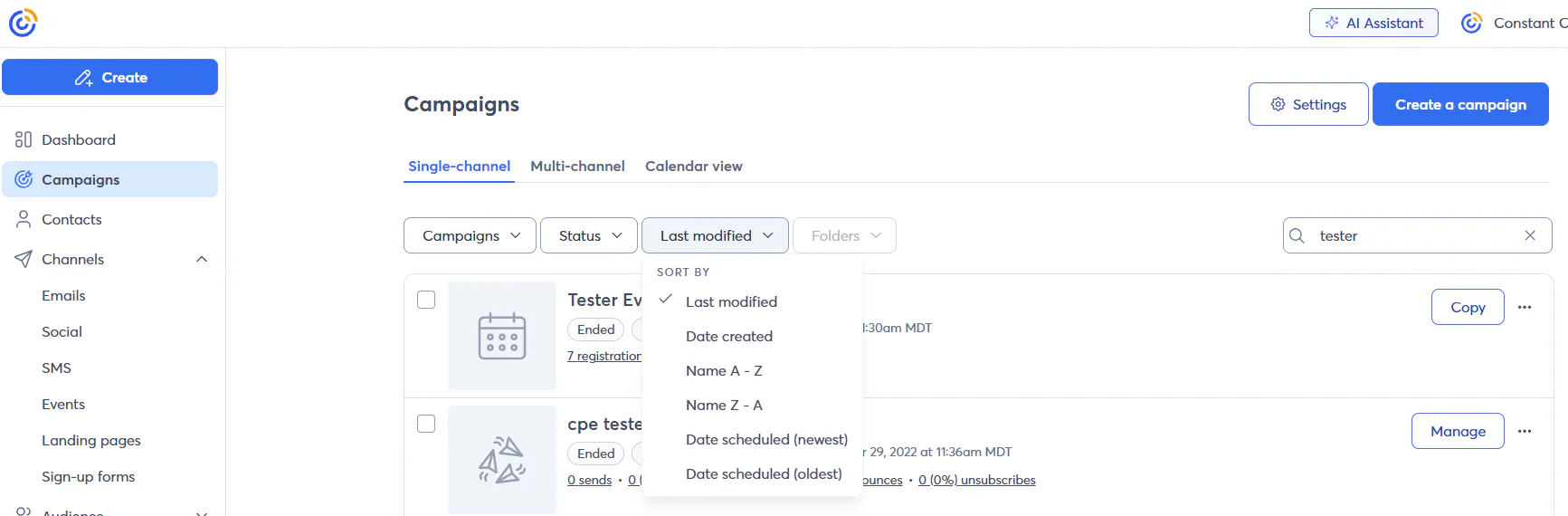
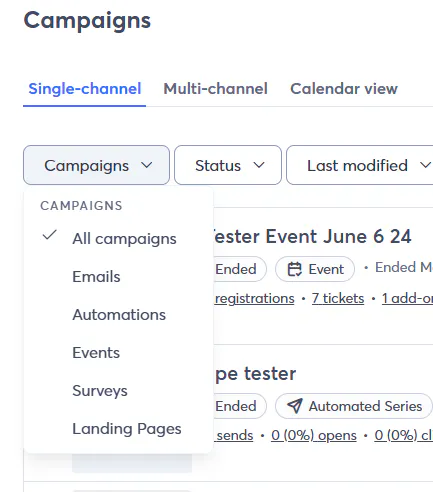
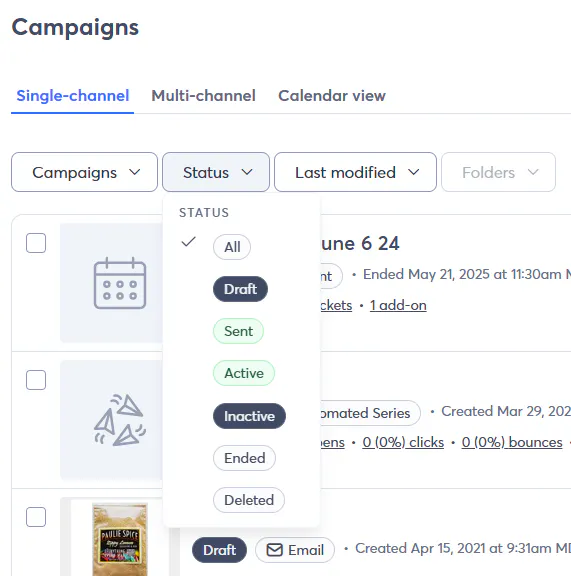
Our Knowledge Base team will be updating our support article on the topic soon to reflect these recent changes. In the meantime, the update itself is straightforward, so the screencaps below will reflect the currently available sorting and filtering options for campaigns.


If there are other ways in which you want to sort/filter your campaigns after searching by keyword, we encourage you to make a new thread with the specific functionality you're looking for. That way, our team can make sure the specific functionality you want is being tracked appropriately for the devs.

See also:
Create and manage campaign folders

View original
Status
Delivered
27
66 replies
Release Notes

Take a look at our latest product updates.

Webinar

Join us to learn about successful email lists, from onboarding to database maintenance. May 28, 2026 - 2:00 pm ET